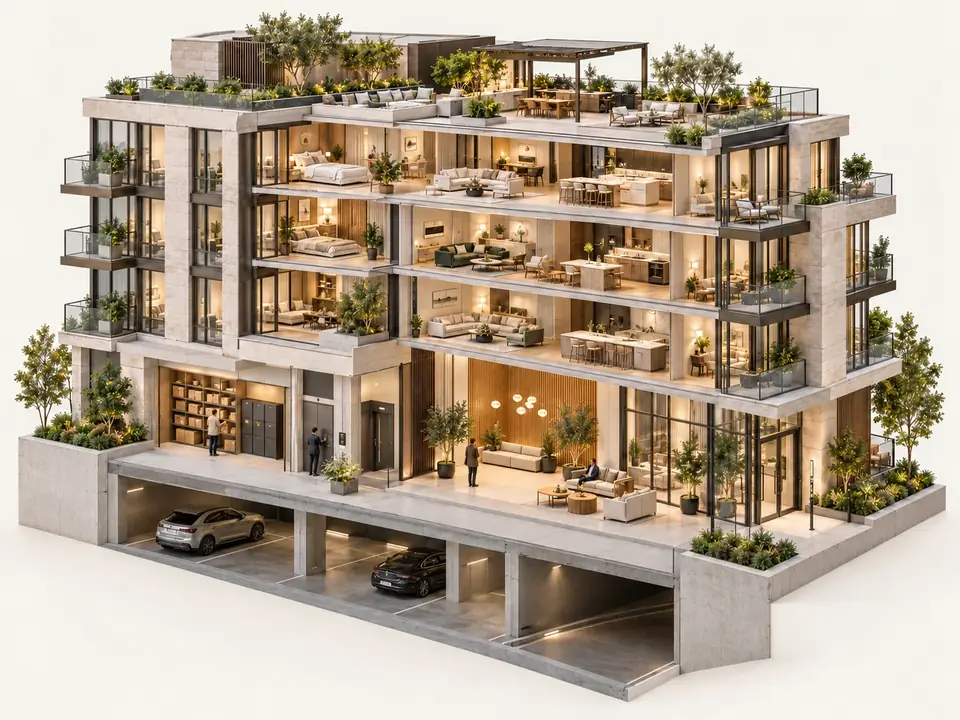
Real people answer your intercom, welcome visitors and guide deliveries through approved access.Real people welcome visitors, guide deliveries and arrange approved access.
Camera server and access control included. One monthly fee. No upfront fees.One monthly fee. No upfront fees.
Visitors, couriers and contractors reach a real person remotely. We check the visit, arrange approved access and keep you informed.Guests, deliveries and approved access, handled by a real person.
TITUSAT YOUR DOOR
FRONT ENTRANCE
YOUR VIRTUAL CONCIERGE
A real person answers.
We check the camera, answer the intercom and find out who’s arrived.
APPROVED ENTRANCE
YOUR VIRTUAL CONCIERGE
A welcome, with the right checks.
Maya confirms her guest. We release the approved entrance and record the visit.
PARCEL ROOM
YOUR VIRTUAL CONCIERGE
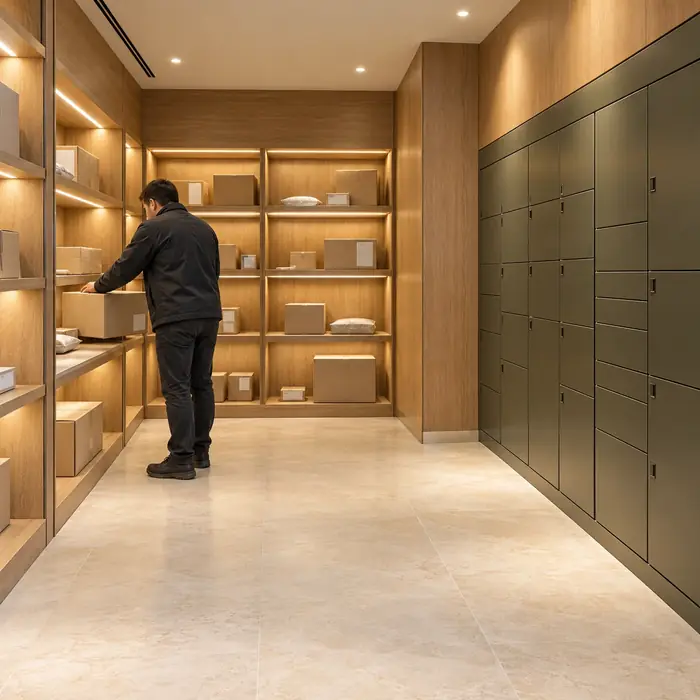
Every delivery has a direction.
We check the courier and guide the delivery to your approved parcel room.
DESTINATION ACCESS
YOUR VIRTUAL CONCIERGE
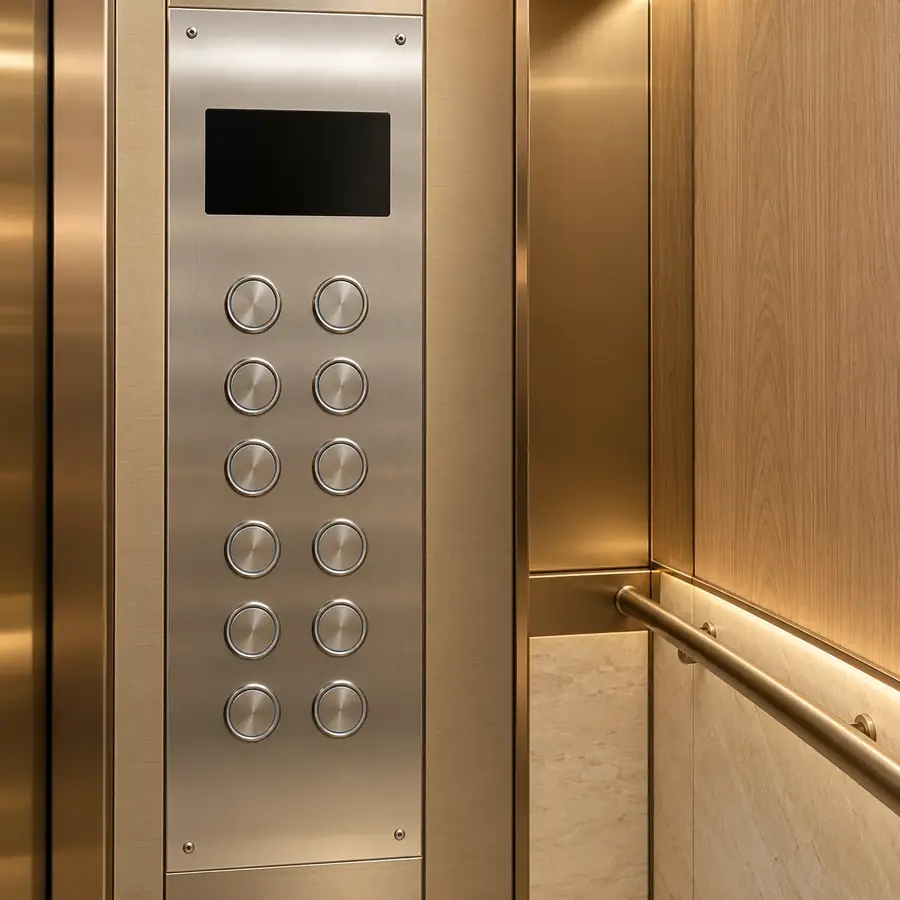
Floor eight. Only floor eight.
After resident confirmation, we release the destination floor. The rest stay protected.
With compatible elevator integration.
YOUR BUILDING · CONNECTED BY TITUS
MONITORING STATION
CALL CONNECTED
A real person answers.
“Hello. Who are you here to see?”
Entrance call received
Entrance camera opened
Speaking with the guest
Remote team. Your building’s instructions.
FRONT ENTRANCEA helpful voice, without a staffed desk.
09:14 / SOMEONE’S HERE
“Hi there. Who are you visiting?”
Your virtual concierge answers the intercom, checks the entrance camera and finds out who has arrived: a guest, courier or contractor.
“I’m here to see Maya.”Guest at the front entrance
IntercomEntrance cameraMonitoring station
09:14 / VERIFIED BEFORE ENTRY
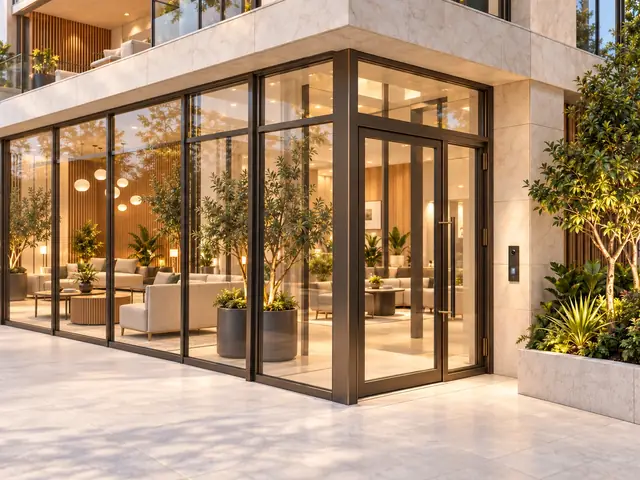
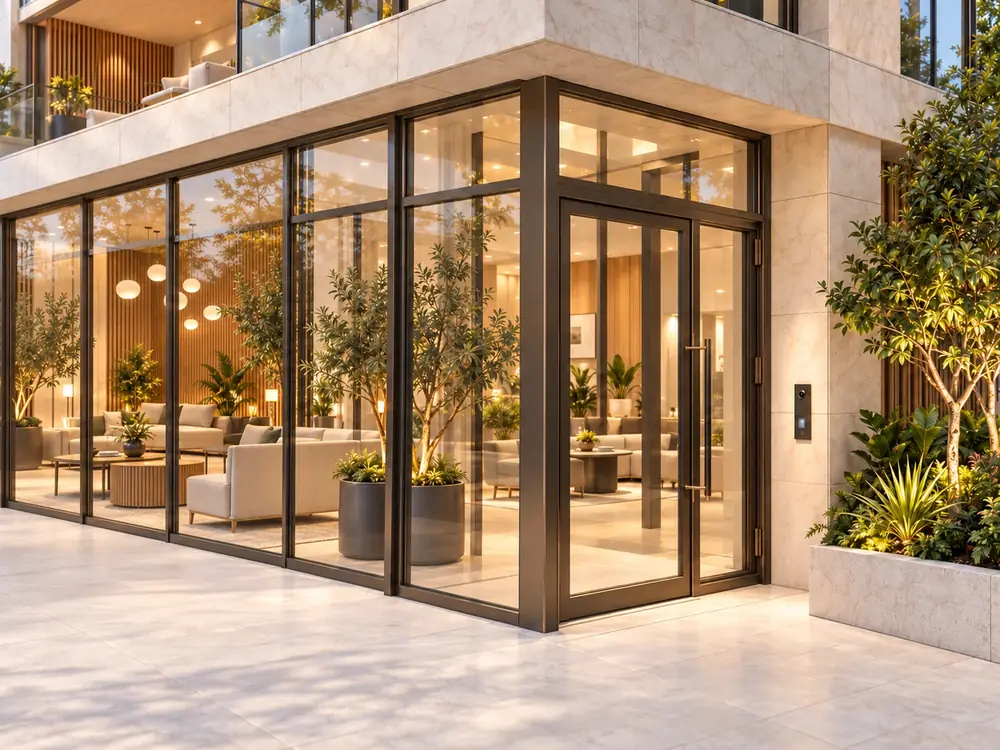
The front vestibule. The approved door.
The concierge confirms the visit with the resident, releases the approved entrance and guides the guest inside. The call and door event stay together for your building’s update.
FRONT VESTIBULEDoor release recorded
09:14:33 · Resident confirmation received
✓
“Maya’s expecting you. Please come through the glass entrance.”
14:06 / A PARCEL ARRIVES
A delivery, directed. A clear place to go.
The concierge checks the courier’s destination, follows your parcel instructions and releases the approved route. The delivery interaction is recorded for your building’s updates.
APPROVED DESTINATIONParcel room
Courier checked · Door event linked · Delivery interaction recorded
“The parcel room is on your left. I’ll release that door for you.”
04 / ELEVATOR ACCESS
Floor eight. Only floor eight.
Once the resident confirms the guest, the operator releases their destination floor. The rest stay protected.
Contractors & keysFollow a visit from arrival to return.+
THE CONTRACTOR’S VISIT
The right way in. A clear way to follow it.The right way in. And back again.
A booked visit, the front vestibule and the key for the job. Connected from the first approval to the last return.
TITUSACCESS, ACCOUNTED FOR
APPROVED ENTRANCE
YOUR VIRTUAL CONCIERGE
Booked, checked and welcomed.
Alex Morgan’s mechanical-room visit is approved for 09:00–11:00.
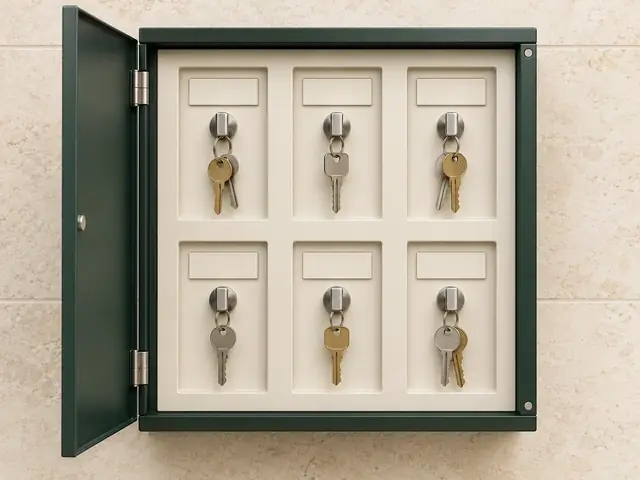
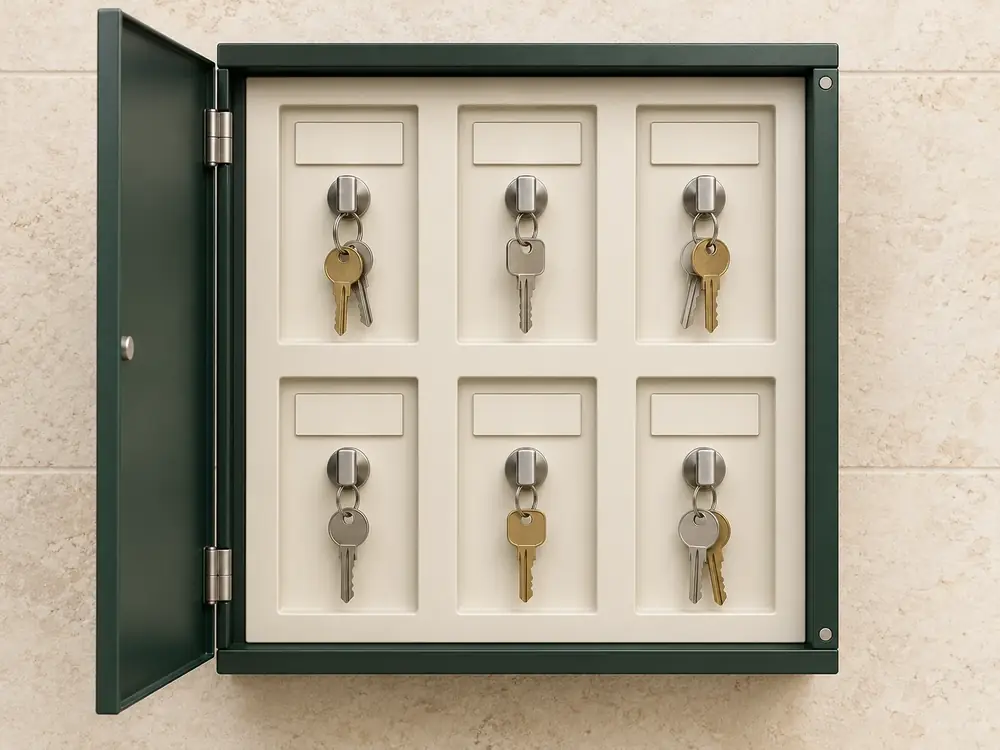
CONNECTED KEY CABINET
010203040506
03 · Key collectedKEY OUT
YOUR VIRTUAL CONCIERGE
The right key. The right person.
Alex collects the mechanical key from slot 03. Due back at 11:00.
Six named keys. One approved visit.+
01Electrical room
02Comm room
03Mechanical room
04Roof access
05Elevator service
06Fire panel
CONNECTED KEY CABINET
010203040506
03 · Return overdueKEY OUT
YOUR VIRTUAL CONCIERGE
Key missing. We follow up.
It’s 11:05. We know which key is out, who has it and when it was due.
Return overdue: collected, but not back. Pickup missed: still secured after its collection deadline.
Six named keys. One approved visit.+
01Electrical room
02Comm room
03Mechanical room
04Roof access
05Elevator service
06Fire panel
CONNECTED KEY CABINET
010203040506
03 · Key returned
YOUR VIRTUAL CONCIERGE
Key returned. Record complete.
Mechanical room · Slot 03 · follow-up closed.
Collected
09:03 · Alex Morgan
Followed up
11:05 · Return overdue
Returned
11:08 · Slot 03
TITUS ACCESS, ACCOUNTED FORFICTIONAL EXAMPLE
Front vestibule Approved glass entrance
01Electrical room
02Comm room
03Mechanical room
04Roof access
05Elevator service
06Fire panel
KEYOUT
Slot 03 · Mechanical room key · Approved for Alex Morgan
REMOTE MONITORING STATION
Visit checked. Entrance approved.
Alex Morgan · Harbour Mechanical · 09:00–11:00.
01 / AN APPROVED VISIT
A booking becomes a way in.
Alex is booked for a mechanical-room visit, from 09:00 to 11:00. The remote monitoring station checks the visit and the approved entrance. The glass door on the right is the way into the front vestibule.
HARBOUR MECHANICALAlex Morgan
09:00–11:00Front vestibule + mechanical room
09:00:03 · Approved door release recorded
The right entrance, for the approved visit.
02 / THE KEY FOR THE JOB
A named key. A named person.
Alex needs the mechanical room key. Slot 03 is made available for this visit. The electrical room, comm room and other keys stay secured in their own positions.
01Electrical room
02Comm room
03Mechanical room
04Roof access
05Elevator service
06Fire panel
03
MECHANICAL ROOM KEYCollected by Alex Morgan
09:03 · Return due 11:00
The connected cabinet concept pairs a key position with its collection and return events. Individual key identification depends on the installed hardware.
Which key left. Who has it. When it is due.
03 / KNOW WHAT NEEDS ATTENTION
Key missing. Know who has it.
It is 11:05. Alex collected the key at 09:03, but its 11:00 return is overdue. Slot 03 turns red and the remote monitoring station gets the key, person and due time together.
RETURN OVERDUEMechanical room key · Alex Morgan
Collected 09:03. Due back 11:00. Still out at 11:05.
Two different conditions. A missed pickup means the key is still secured after its collection deadline. An overdue return means it was collected and has not come back. The second example is an alternative path.
A clear follow-up for the remote station.
04 / THE KEY COMES BACK
Back in its place. The record complete.
At 11:08, the mechanical room key is returned to slot 03. The cabinet records the return against Alex’s visit, and the overdue follow-up is closed.
A fictional contractor journey. Cabinet hardware and workflows are illustrative; permissions and deadlines depend on your building’s setup. No live doors or systems are connected.
Try a bookingCreate a sample visit. Test its access code.+
TRY IT FOR YOURSELF
One booking. Everything in place.
A contractor’s visit, from the first approval to the last key returned. Try the steps below and see how TITUS keeps it together.
TITUSACCESS BOOKINGS
Interactive demo
A LITTLE PLANNING GOES A LONG WAY
Who’s coming by?
Give an approved contractor the access they need for their visit.
A PASS WITH A PURPOSE
Try your access code.
Enter the four digits on the TITUS reader, then press #.
VISITOR ACCESS↗
APPROVED VISITOR
Alex Morgan
Your demo code— — — —
Enter code + # at the reader
VISIT WINDOW
Book a visit to set the access window
APPROVED DOORS
Choose approved doors
TITUSSample pass · Nothing sent
The reader is simulating the booked visit window. Your demo code works for the doors you approved.
TITUS TOUCH READER
○ ○ ○ ○
Enter the demo code, then press #.
The resident fob demonstrates entrance access. The contractor’s key follows their booking.
02
Your pass starts with a booking.
Choose a visitor, a time and approved doors. Then you can try their four-digit code on the reader.
THE RIGHT KEY. THE RIGHT PERSON.
Know which key went where.
Try the mechanical key, then return it. The record follows the named key and its holder.
TITUSPROPOSED CONNECTED CABINET
MECHANICAL KEYCabinet · slot 01
Key cabinet locked. An approved trade code is needed.
A CLEARER PICTURE FOR MANAGEMENT
The visit, all together.
Who arrived, which access they used and whether the key came back.
TITUSSAMPLE RECORD
SAMPLE BUILDING · BUILDING ACTIVITY
Access & key record
Approved visitor
Your approved contractorTheir company
Visit window
Book a visit to set the access window
Entrance access
Approved entrance access will appear here.
Key location
No key collected
LAST KEY EVENT
Key activity will appear here after the approved contractor collects a key.
Try a visit from booking to key return. This demonstration is separate from live systems.
Interactive demonstration. No live doors or systems are connected. The key cabinet illustrates the proposed hardware concept.
PROACTIVE CUSTOMER REPORTING
You hear what happened. And what happens next.A clear report. A useful next step.
The monitoring team responds, records the outcome and sends a clear customer update. Your council or property manager gets the response and the next step together.
Camera images, monitoring actions and clear follow-up, in one customer report.
Illustrative reports. All scenes, people, credentials and events below are fictional.Fictional samples. No customer data.
TITUSBUILDING UPDATE01
Parkade entranceSample · 22:15
Tailgating
WHAT HAPPENED
Someone followed a resident through the parkade door.
MONITORING RESPONSE
The concierge requested a speaker check-in, and the resident confirmed their visitor.
CUSTOMER REPORT
Visitor verified.
TITUSBUILDING UPDATE02
Common terraceSample · 21:38
Terrace after hours
WHAT HAPPENED
A person was detected on the terrace after closing time.
MONITORING RESPONSE
The operator checked in over the terrace speaker. It was a resident heading back inside.
CUSTOMER REPORT
Resident confirmed.
TITUSBUILDING UPDATE03
Parcel roomSample · 14:07
Delivery
WHAT HAPPENED
A courier called for access to the parcel room.
MONITORING RESPONSE
The concierge checked the destination and released the approved door.
CUSTOMER REPORT
Access recorded.
TITUSBUILDING UPDATE04
Garbage roomSample · 19:44
Chair left behind
WHAT HAPPENED
An upholstered chair was left beside the bins.
MONITORING RESPONSE
The operator reviewed the scene and access context, then raised a removal follow-up.
CUSTOMER REPORT
Removal follow-up.
THOUGHT THROUGH, FOR STRATA LIFE
A good fit starts with good questions.
Your building has its own routines. We start by understanding them.
What are we paying for?
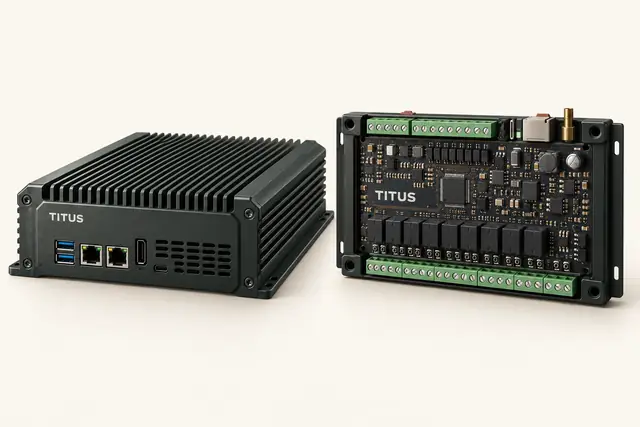
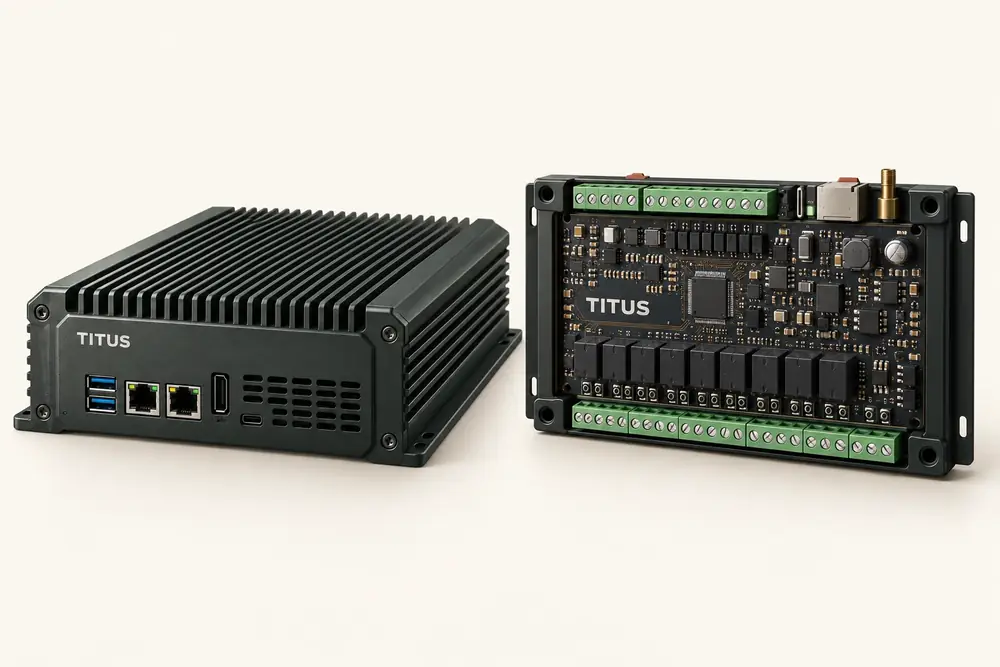
A virtual concierge service connected to your building, with a TITUS camera server, access control system and software included in one monthly fee. No upfront fees. Your proposal sets out the concierge coverage, hardware and compatible integrations for your property.
Can we keep our existing systems?
That is the starting point. We review your cameras, access control, intercom and other equipment, then plan the connections and additions your building needs. Compatibility is confirmed during the walkthrough.
How does virtual concierge work?
A real concierge answers your intercom remotely, checks the camera view and follows your building’s instructions. They welcome visitors, guide deliveries, support contractor check-ins and arrange approved access. Monitoring actions and follow-up stay in the customer report, so your team can see what happened.
Who answers the building’s calls?
Your virtual concierge team answers remotely through TITUS. The service provider, coverage and escalation plan are agreed for your property. The team checks the camera view, speaks with visitors and follows your building’s access instructions.
Can a visitor use a code without an app?
Yes. A booking can provide a time-limited code for the approved doors. The Titus keypad also works as the building’s everyday fob reader. Visits that need an operator can use the intercom or building phone line.
How does the key cabinet know which key was taken?
The cabinet connects individually identified key positions to an approved visit. Collection and return events are associated with the named key and person, with permissions and deadlines set for your building.
What goes into an incident report?
A useful report connects the event, relevant imagery, timeline, operator response and any follow-up. Automated observations, operator notes and confirmed device events stay identifiable, so management can see what supports the account.
Is this a real customer’s building?
This brochure uses a fictional building and fictional sample events. A customer’s own building view can be prepared with their permission, then mapped to its confirmed doors, intercom, elevators and other connected systems.
What happens when something needs a person on site?
The operator follows your building’s response plan, whether that means contacting management, a technician, a guard or the appropriate responder. The software supports the decision and keeps its context in the record.
Can you manage our building’s fobs?
Yes. With strata authorization, we issue and replace fobs, deactivate lost fobs, update move-out access and keep a current assignment list. A registered assignment names the holder; it does not prove who carried the fob.
THE BUILDING YOU KNOWA more connected day.
START WITH THE BUILDING YOU KNOW
Imagine this in your building.
Your doors. Your workflows. The people who look after it. Let’s bring the pieces together.